Small Groups helps you find a circle to belong to without asking the office for a paper list or waiting for an announcement from the stage. You can read what each group is about and see its meeting information before you commit, so you are not walking into a room blind. Use it when you are new to the church, changing seasons of life, or ready to move from attending to belonging.
- From Home, tap More.
- Under Church Life, tap Small Groups.
- Browse the available groups and tap one to view its details.
- Review the group description, meeting information, and member details.
- Tap the available join or request action and confirm your request.
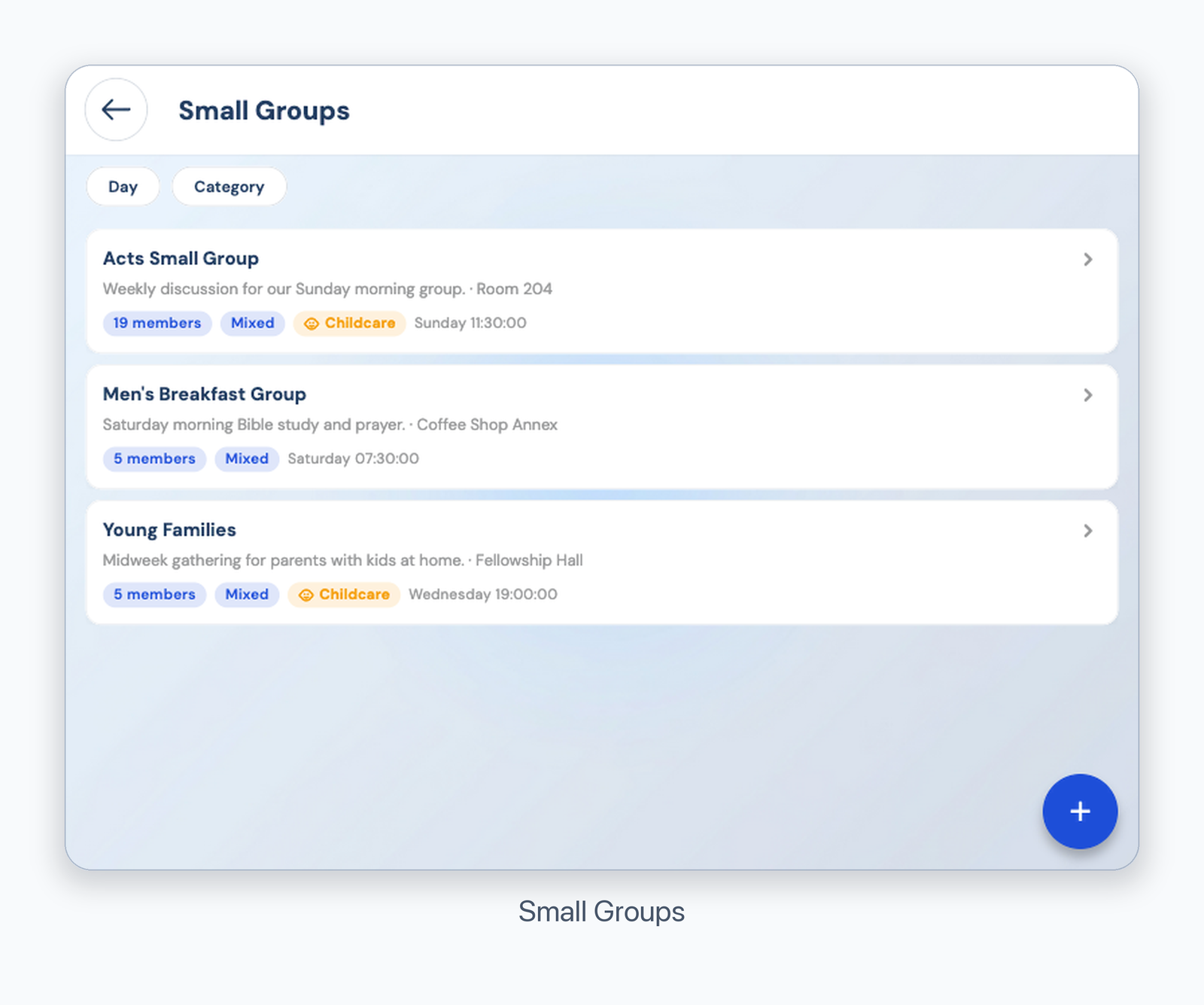
Small Groups
The exact join action depends on the group settings. If no join action appears, contact the group leader or your church office.
Was this article helpful?
That’s Great!
Thank you for your feedback
Sorry! We couldn't be helpful
Thank you for your feedback
Feedback sent
We appreciate your effort and will try to fix the article