Facility Reservations shows what rooms and spaces your church has and when they are already spoken for, so you can plan a meeting without a chain of phone calls. Submitting the request in the app puts your dates and details in front of the right person and leaves a record both sides can check. Use it when your group, class, or ministry needs a room, and check existing reservations first to avoid a double booking.
- From Home, tap More.
- Under Church Life, tap Facility Reservations.
- Browse facilities or existing reservations available to you.
- Tap a facility or reservation to view its details.
- Use the available request action, enter the requested dates and details, then submit it.
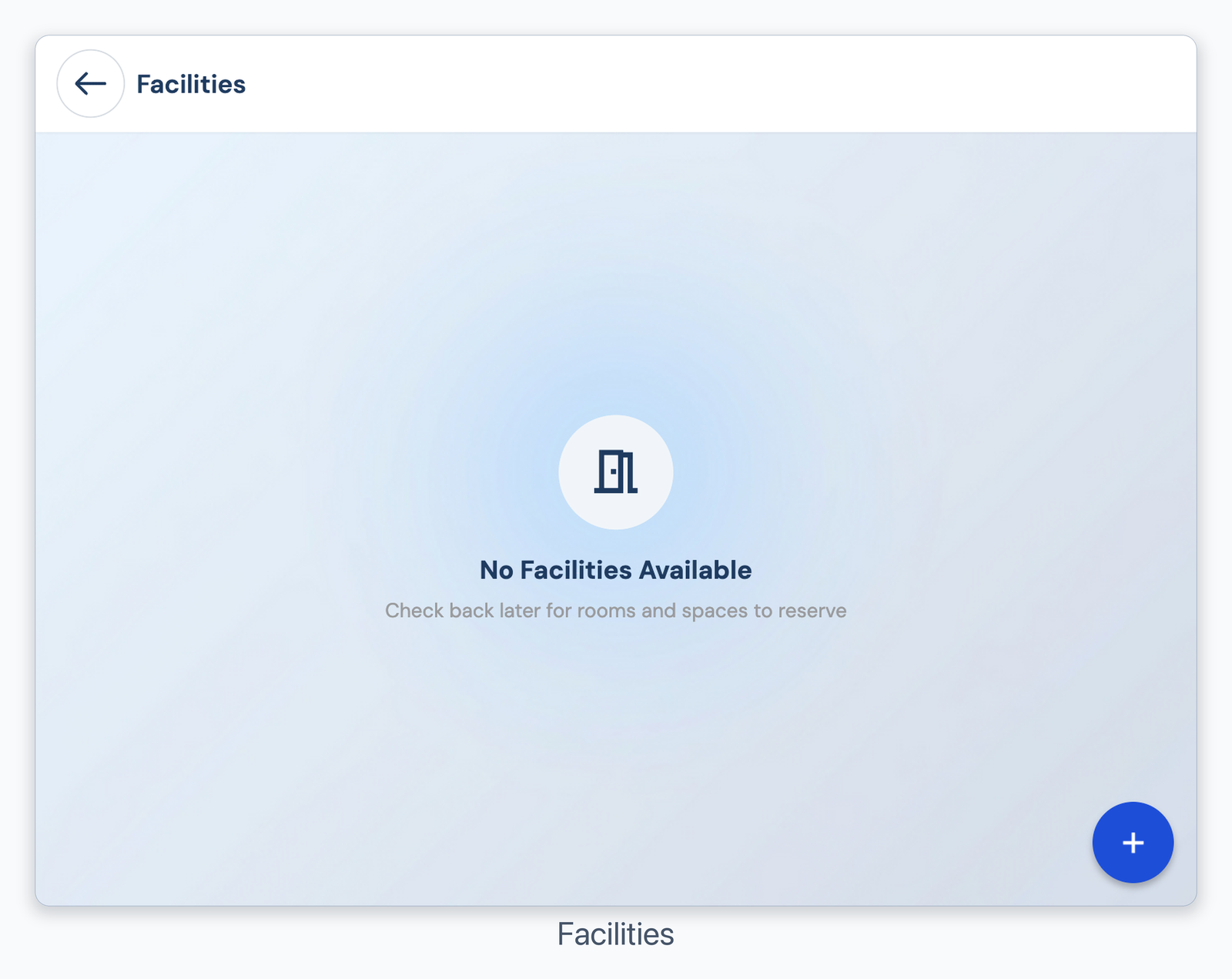
Facility Reservations
Facility requests may require leader approval. If no request action appears, contact your church office or ministry leader.
Was this article helpful?
That’s Great!
Thank you for your feedback
Sorry! We couldn't be helpful
Thank you for your feedback
Feedback sent
We appreciate your effort and will try to fix the article