Open Family Check-In from More or the Check-Ins dashboard. You can check in yourself and household members for the current service.
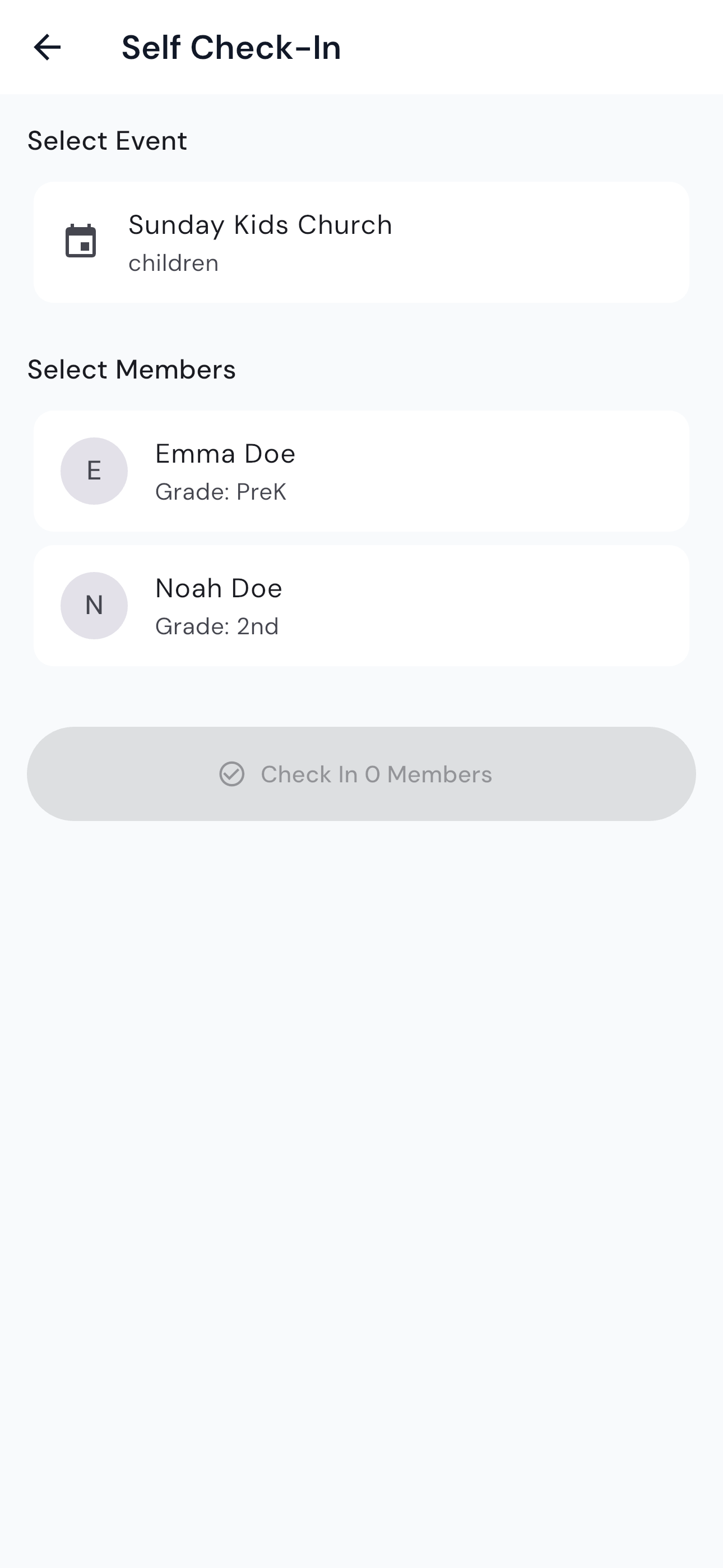
- Choose the service or event.
- Select who is checking in.
- Confirm. Follow any security or pickup instructions your church prints on the label.
If your church uses an iPad kiosk, a volunteer can check guests in at the door instead.
Was this article helpful?
That’s Great!
Thank you for your feedback
Sorry! We couldn't be helpful
Thank you for your feedback
Feedback sent
We appreciate your effort and will try to fix the article