Church-wide messaging gets important news to the whole congregation quickly and on the channel people actually check, whether that is a push alert, an email, or a text. Keeping these sends separate from Discussions means an urgent cancellation is not lost in ordinary chatter, and only approved roles can broadcast. Use campaigns for announcements everyone needs, and use Discussions for the day-to-day conversation inside a group.
Church-wide alerts are sent from Content & Communication. Everyday conversation stays in Discussions.
Send a church-wide message (staff)
- Tap More in the bottom navigation.
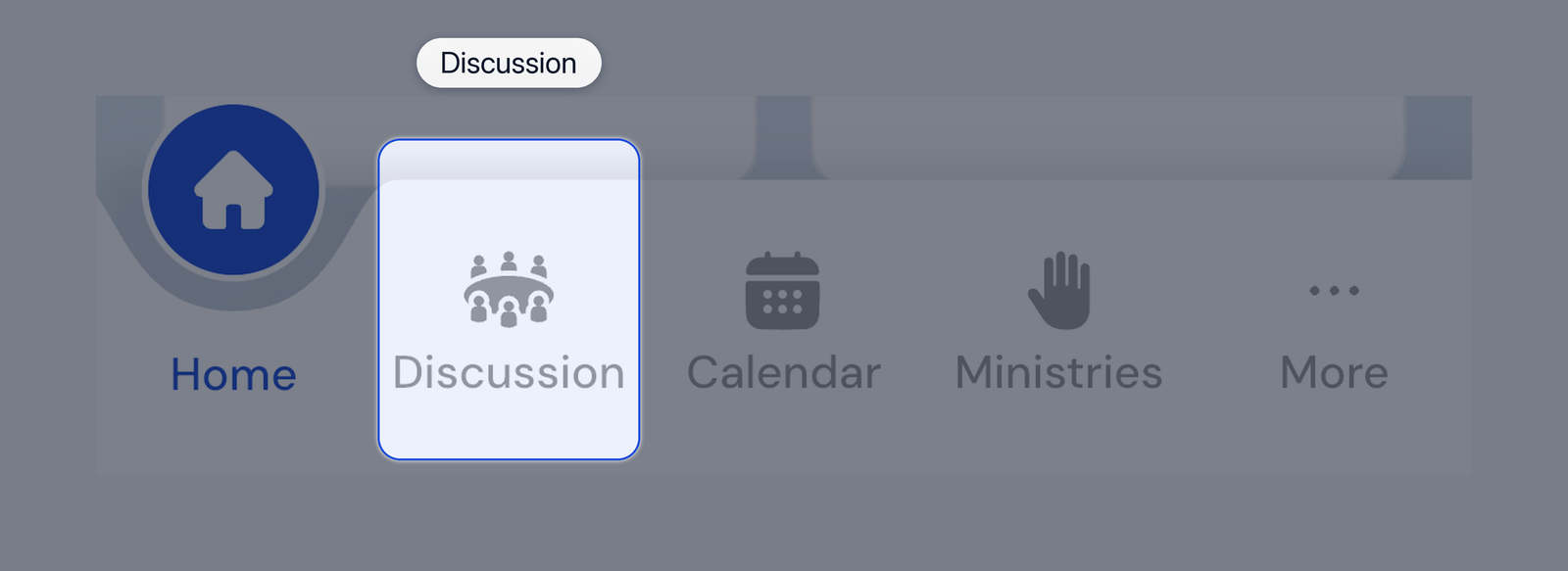
Bottom tabs with More
- Tap Content & Communication.
- Choose the channel you need:
- Push Notifications for app alerts
- Email Campaigns for email
- SMS Messaging for texts from your church Twilio number
- Compose the message, pick the audience, and send or schedule it.
Only roles your church assigned can send these messages.
Talk in a group (members and staff)
- Tap Discussion in the bottom navigation.
- Open a channel such as your small group.
- Tap a topic, or create one with + New Topic.
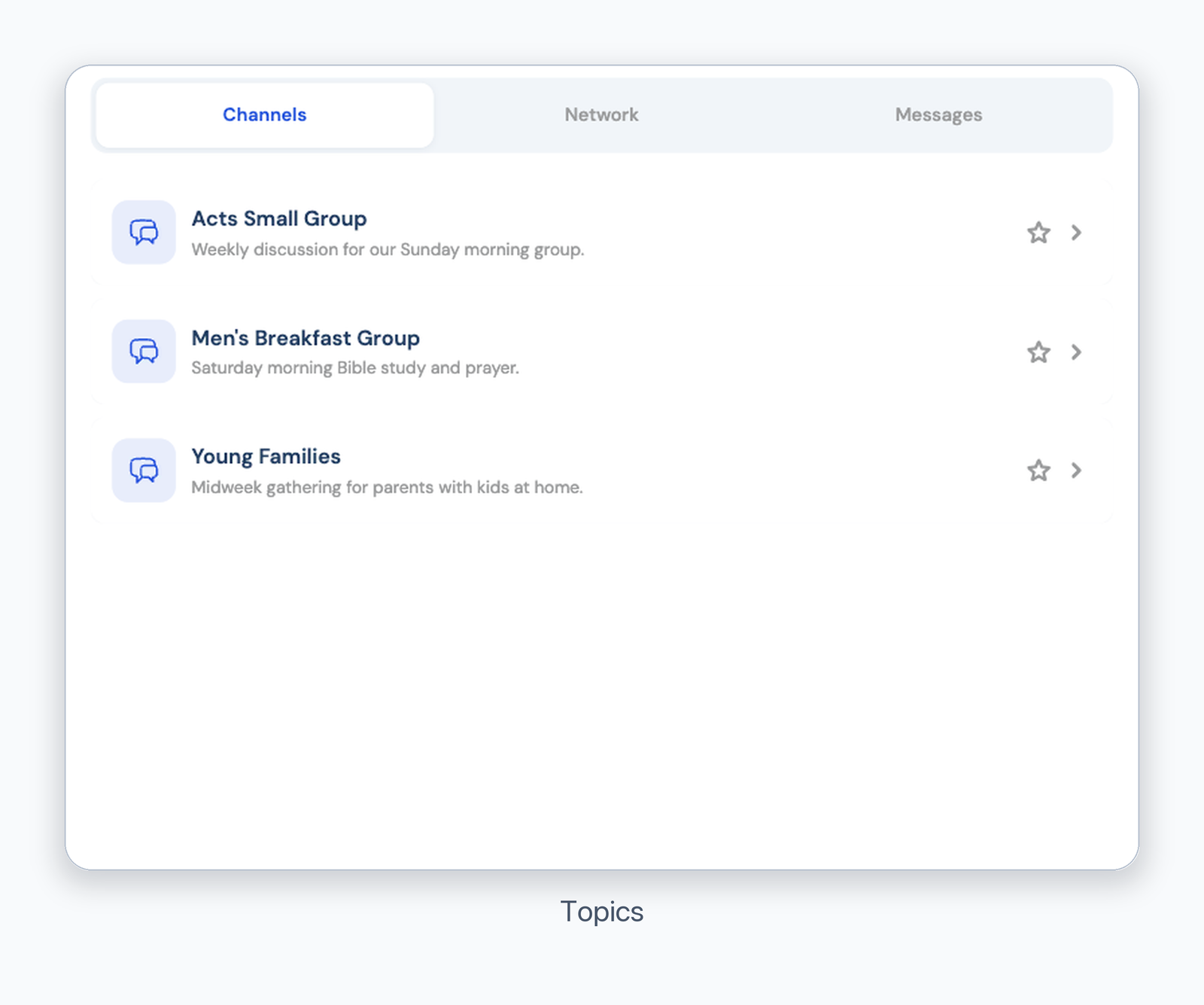
Discussion topics
Was this article helpful?
That’s Great!
Thank you for your feedback
Sorry! We couldn't be helpful
Thank you for your feedback
Feedback sent
We appreciate your effort and will try to fix the article