Journal gives you a private place to write and organize reflections so your spiritual life has a record you can look back on. Adding a mood and tags turns scattered entries into something you can search later, which helps when you want to see how God has been working over months rather than days. Use it after a sermon, during a devotional, or any time a thought is worth keeping. Entries are yours alone and are not shared with church staff.
Open Journal
- From Home, tap More.
- Under Personal Tools, tap Journal.
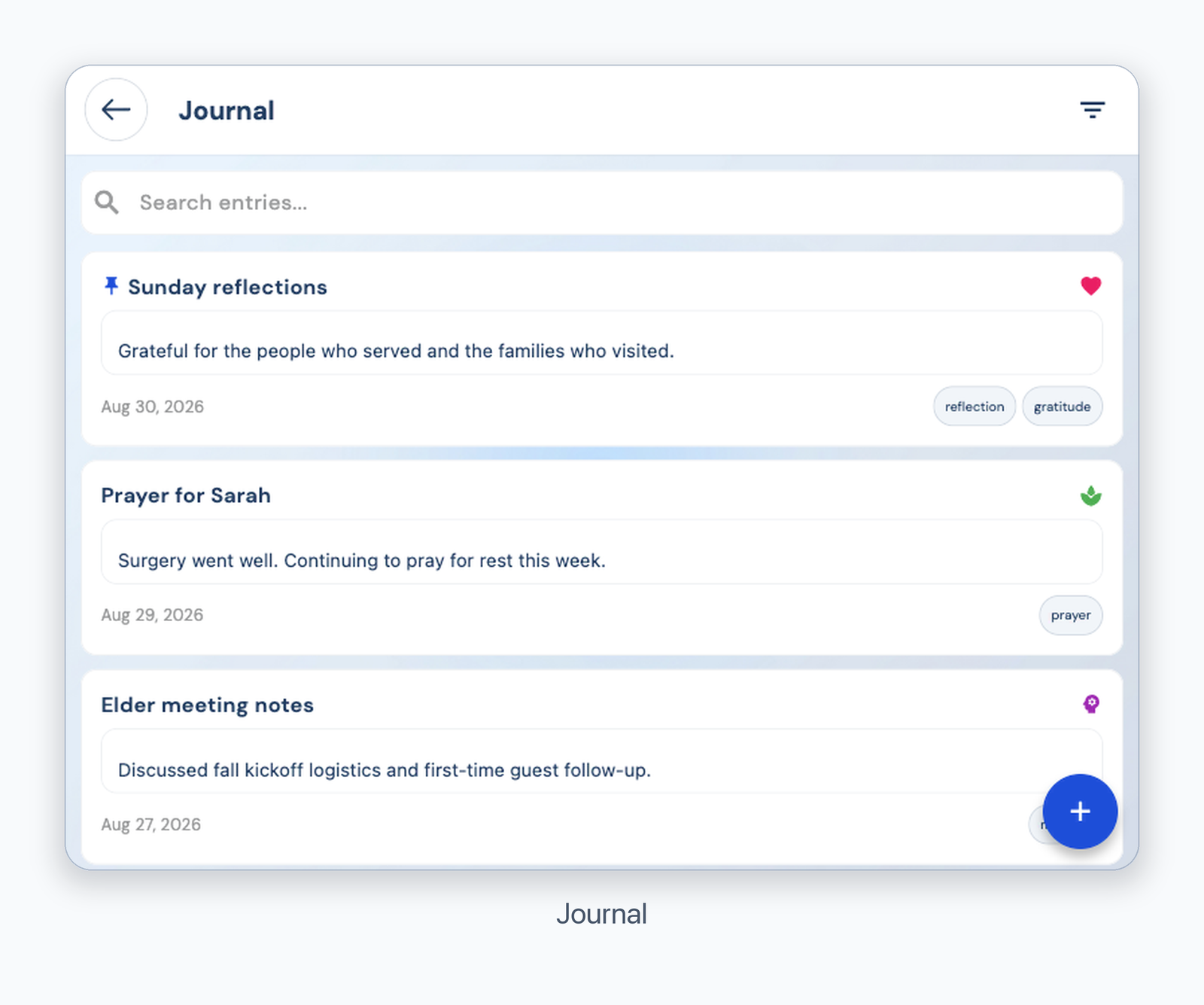
Journal entries
Write an entry
- Tap the + button, then enter an optional title and your thoughts.
- Tap the date, Mood (optional), or Tags (comma separated) to add details.
- Tap Save.
- Tap an entry to edit it, use Search entries to find it, or use the filter icon to choose a mood.
- Swipe an entry left and confirm Delete Entry to remove it.
Was this article helpful?
That’s Great!
Thank you for your feedback
Sorry! We couldn't be helpful
Thank you for your feedback
Feedback sent
We appreciate your effort and will try to fix the article