Discussions give your church conversations a home that is not buried in a social network or a group text no one can search. Channels keep each group or ministry talking in its own space, and direct messages let you reach one person without starting a thread everyone sees. Use it to keep a small group connected during the week, coordinate a serving team, or ask a question between Sundays.
- From Home, tap Discussion in the bottom navigation.
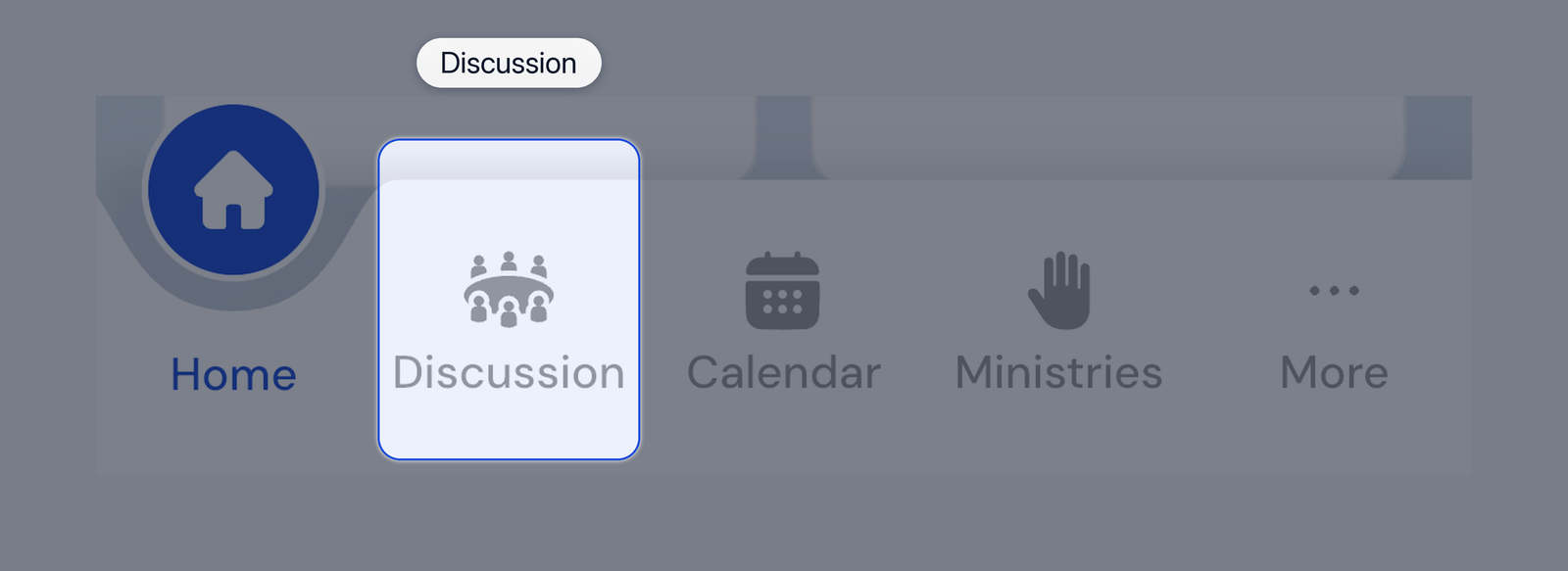
Discussion tab
- Use Channels to open a channel, then tap a topic to read or reply.
- Tap the star beside a channel or topic to add it to your favorites.
- Use Network to browse activity across channels you can access.
- Use Messages for direct conversations. Tap the compose button to start one.
- In a channel, tap New Topic to begin a topic if your permissions allow it.
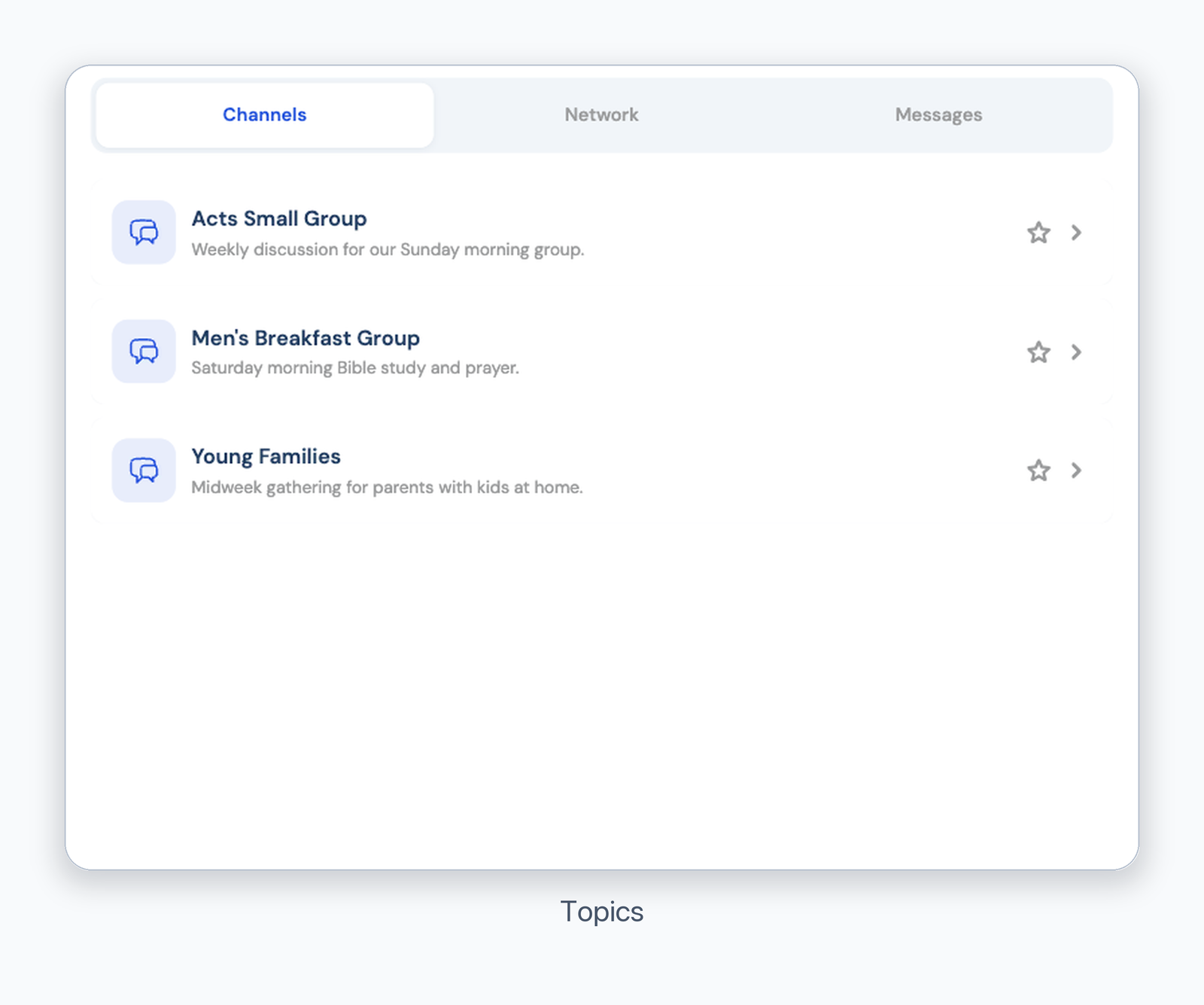
Discussion topics
Pull down on a list to refresh it. Private channels appear only to their members.
Was this article helpful?
That’s Great!
Thank you for your feedback
Sorry! We couldn't be helpful
Thank you for your feedback
Feedback sent
We appreciate your effort and will try to fix the article