Mentoring keeps discipleship relationships from fading out after a good first conversation. It gives each pairing a shared home for goals and activity, so both people can see what was agreed to and what has happened since. Use it when you are walking with someone over time and want the relationship to have direction instead of drifting.
- From Home, tap More.
- Under Personal Tools, tap Mentoring.
- Tap a mentoring relationship to view its details, goals, and activity.
- Use the available actions to add an update or manage the relationship.
- Tap + to start a relationship if your role allows it.
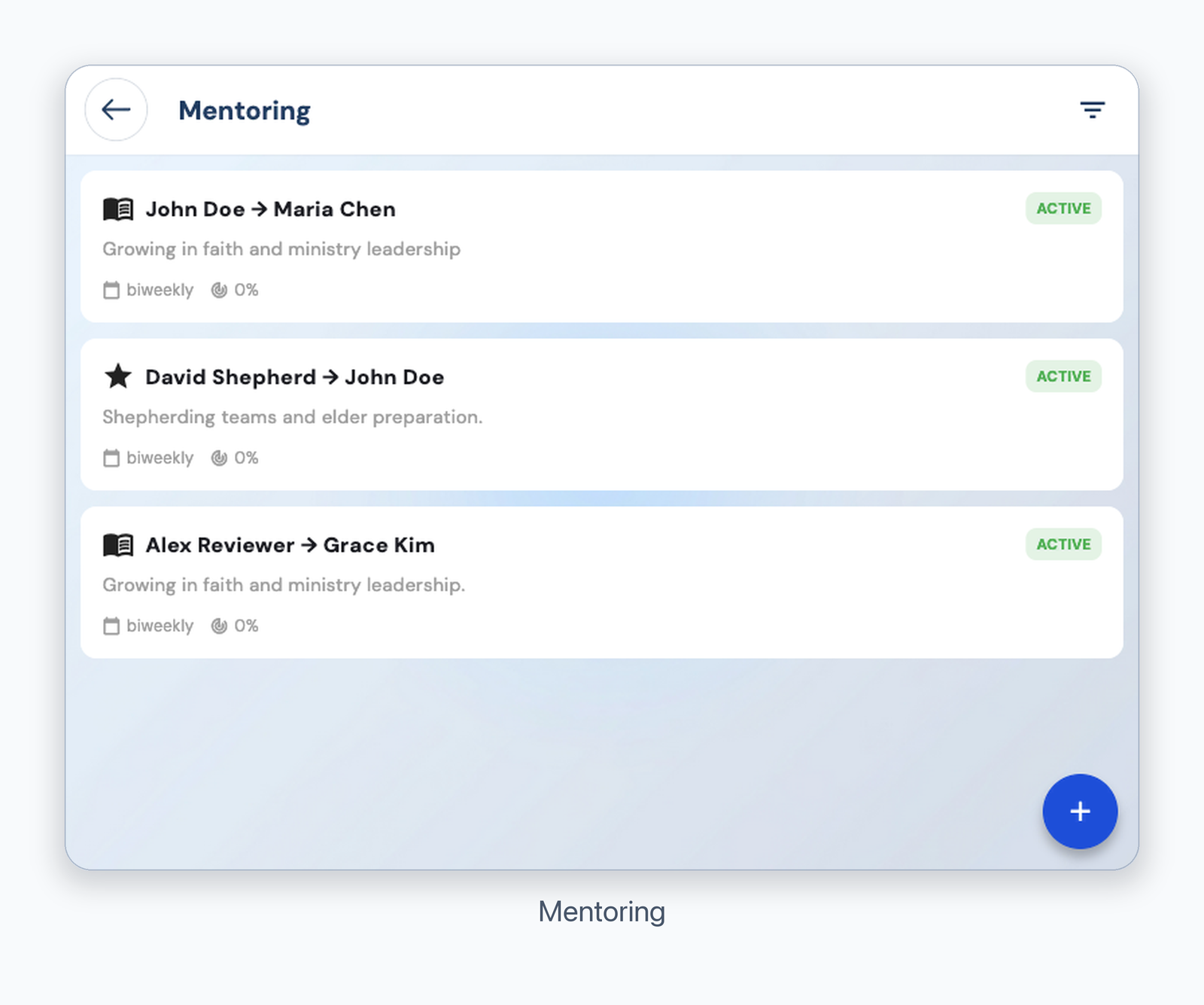
Mentoring
You see only mentoring relationships available to your account. Contact a leader if an expected relationship is missing.
Was this article helpful?
That’s Great!
Thank you for your feedback
Sorry! We couldn't be helpful
Thank you for your feedback
Feedback sent
We appreciate your effort and will try to fix the article